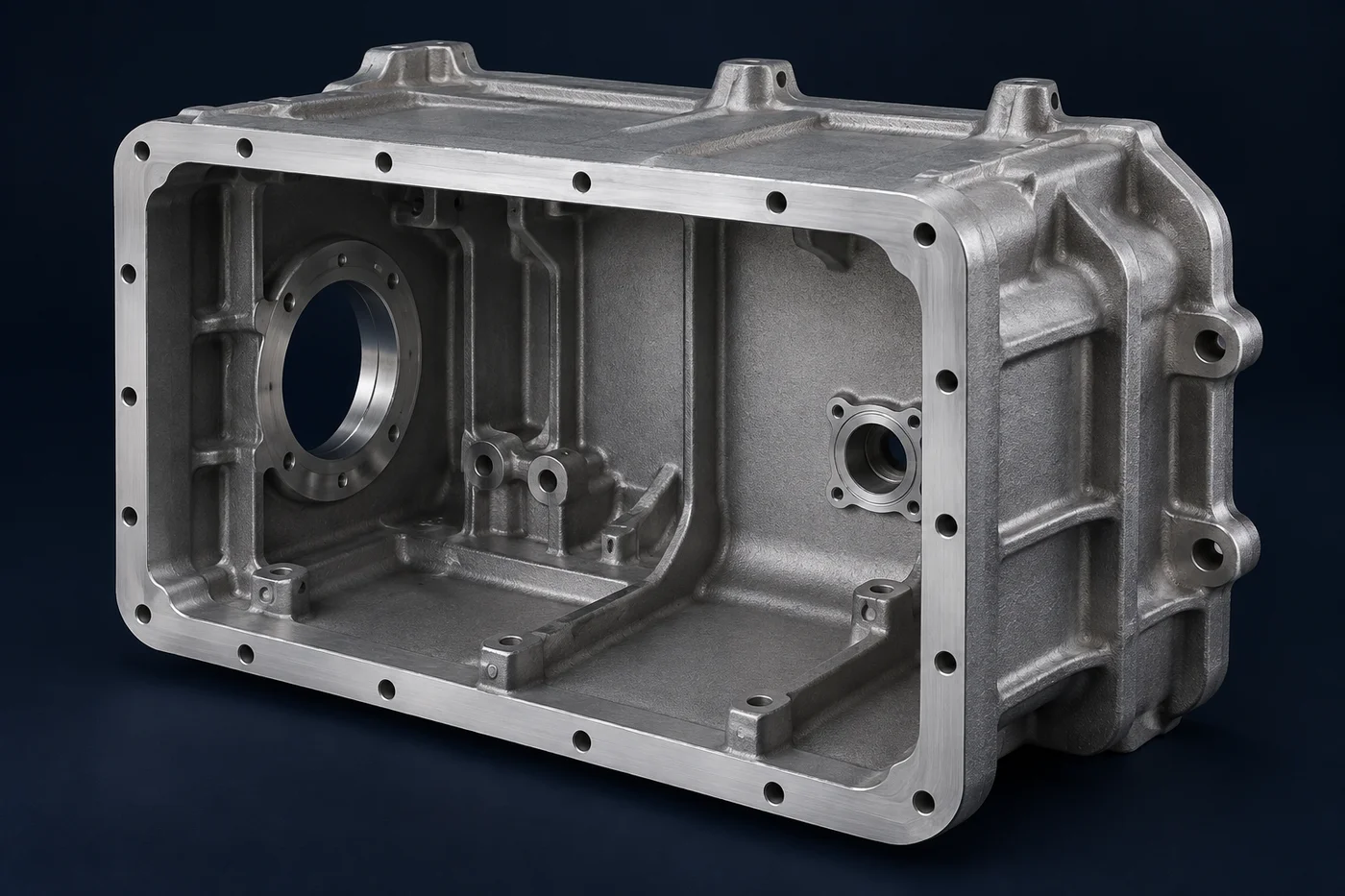
Sensor or display opening
Define the location and support of windows, lenses, probes or sensor inserts. State which surfaces locate the functional element and which are cosmetic.
Electronics & instruments / Custom component supply
Instrument bodies with sensor or display openings, serviceable covers and protected mounting interfaces.
A drawing, model, sketch or photograph is a useful starting point. Tell us what is known and what still needs work.
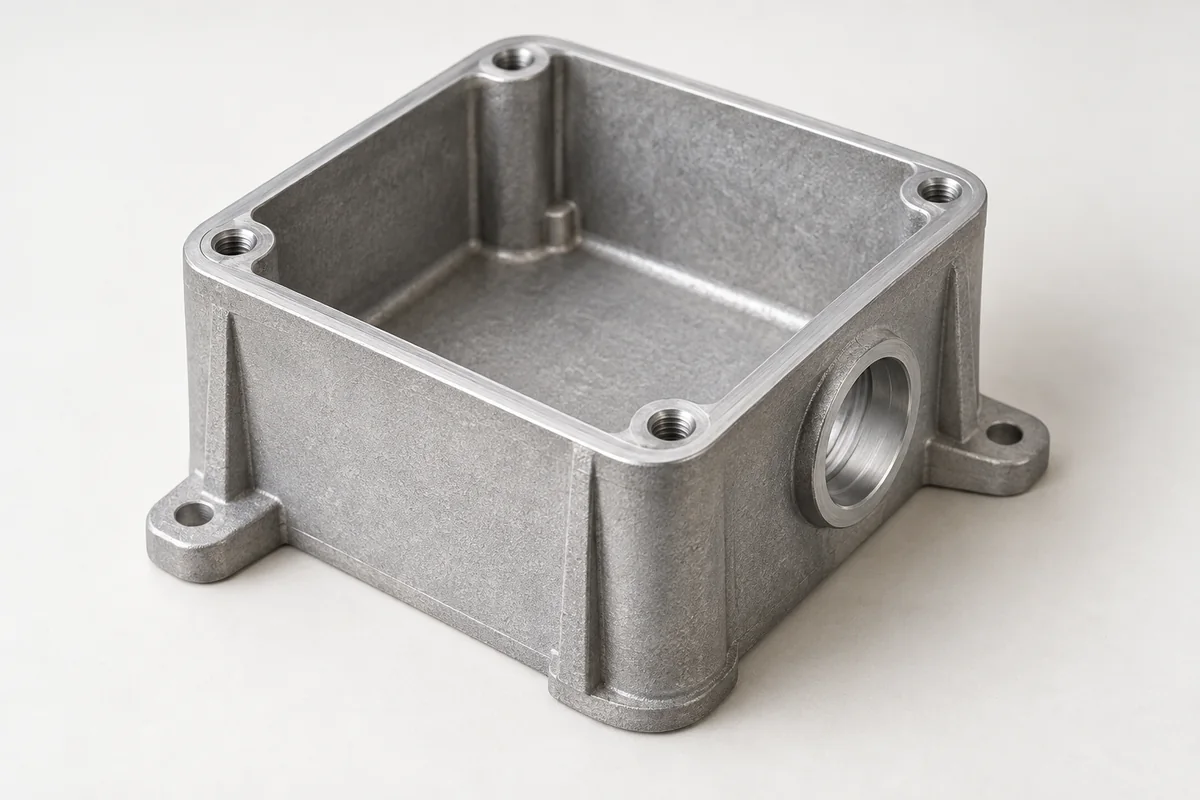
The component in service
An instrument housing has to accommodate the sensing or display assembly while keeping its reference features, connections and service access usable. A panel instrument, field sensor and bench device place different demands on the same basic material. Begin with the intended installation and the openings that cannot move; these often govern the housing more than its overall outline.
Define the location and support of windows, lenses, probes or sensor inserts. State which surfaces locate the functional element and which are cosmetic.
Allow for connector engagement, bend space and tool access. Coordinate sealing at entries with the cover-joint design.
Show the mounting orientation and how the cover is removed. Include the access required for calibration, batteries or replaceable internal parts.
Casting · machining · finish
Model internal supports and mounting features around the electronics or sensor package. Review thin walls, deep recesses and tool access before committing to casting tooling.
Machine critical sensor seats, joint faces and connection details as needed. Exterior texture and visual acceptance can be agreed independently of those functional surfaces.
Define color, texture, visible faces and marking locations, with masking for grounding or locating contacts. Seals and clear windows are separate components with their own compatibility requirements.
What can go wrong
These are review points for this type of component. The actual risks depend on the design, process and operating conditions.
A connector or fastener can fit in CAD but remain inaccessible once mounted. Review the neighboring equipment and service tool envelope.
A port, screw or window can create another entry path. Review all boundaries rather than only the lid gasket.
Housing variation, clamp force and interface geometry may affect the sensing assembly. Identify the relevant locating surfaces and the assembled verification your design requires.
WHAT TO MEASURE ON THIS PART
Use these features to build the inspection scope for your drawing. The illustrated geometry is an example, not a stocked or validated product.
Inspection methods & reporting →| Feature | Requirement to define | Check / evidence |
|---|---|---|
| Sensor / display interface | Position, support surface and clearance | Datum-based dimensional checks against the functional envelope. |
| Cover and openings | Joint geometry and entry details | Face, opening and thread inspection; assembly ingress testing if specified. |
| Exterior condition | Visible zones, texture and color reference | Agreed appearance criteria and finish inspection. |
| Installation | Mounting pattern and service clearance | Dimensional review or fit assessment with the mating arrangement. |
Before the quotation
Unknown details can remain open in the first conversation. The next step is to make the assumptions clear.
The housing can support required alignment and protection, but accuracy depends on the complete sensing system and calibration. Identify the housing features that influence that system.
Yes. Include approximate dimensions and the changes you want. The first review can identify the information needed to develop a manufacturable component.
PROCESS, MATERIAL & ACCEPTANCE
Start with what you have
Share a drawing, a few photos or the assembly problem you want to solve. If available, add quantities, material, finish and the interfaces that matter most. These help the review; they do not need to be complete to begin.
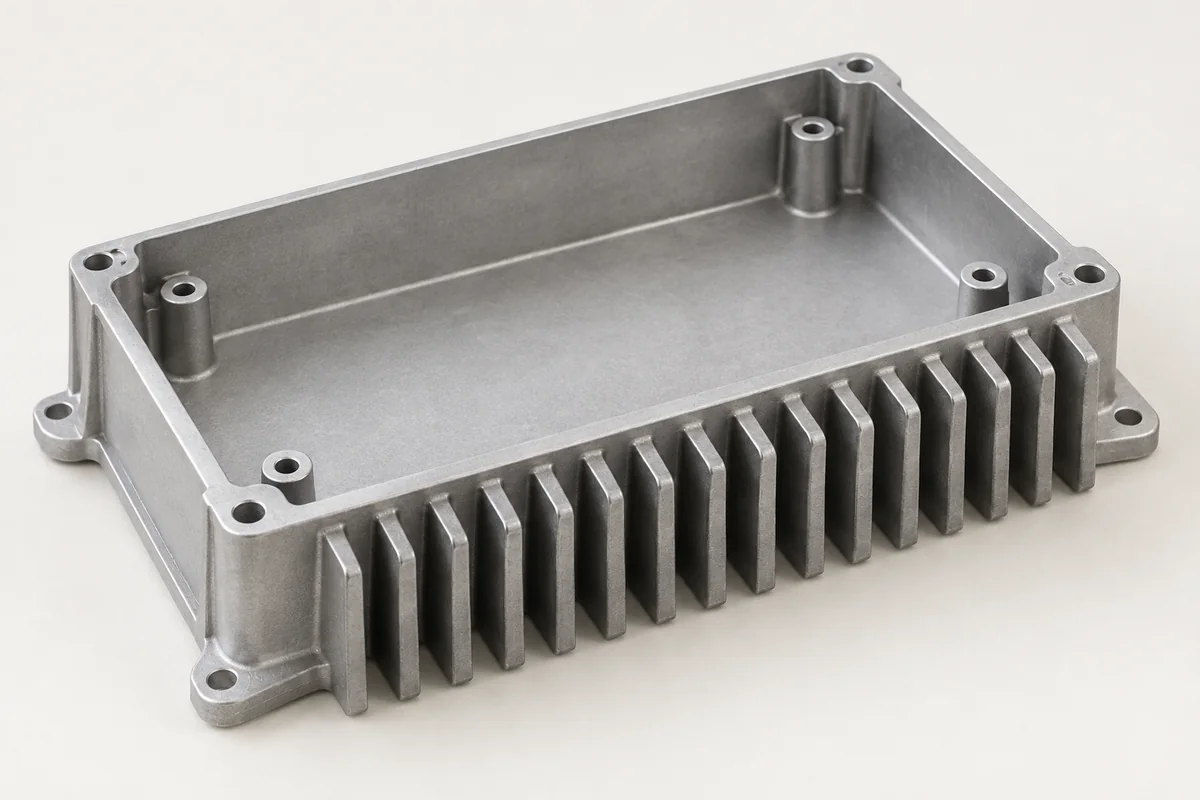
Custom aluminum housings for industrial controls and electronic assemblies.
Explore this component ↗Finned electronic housings that combine component protection, mounting and a defined thermal contact path.
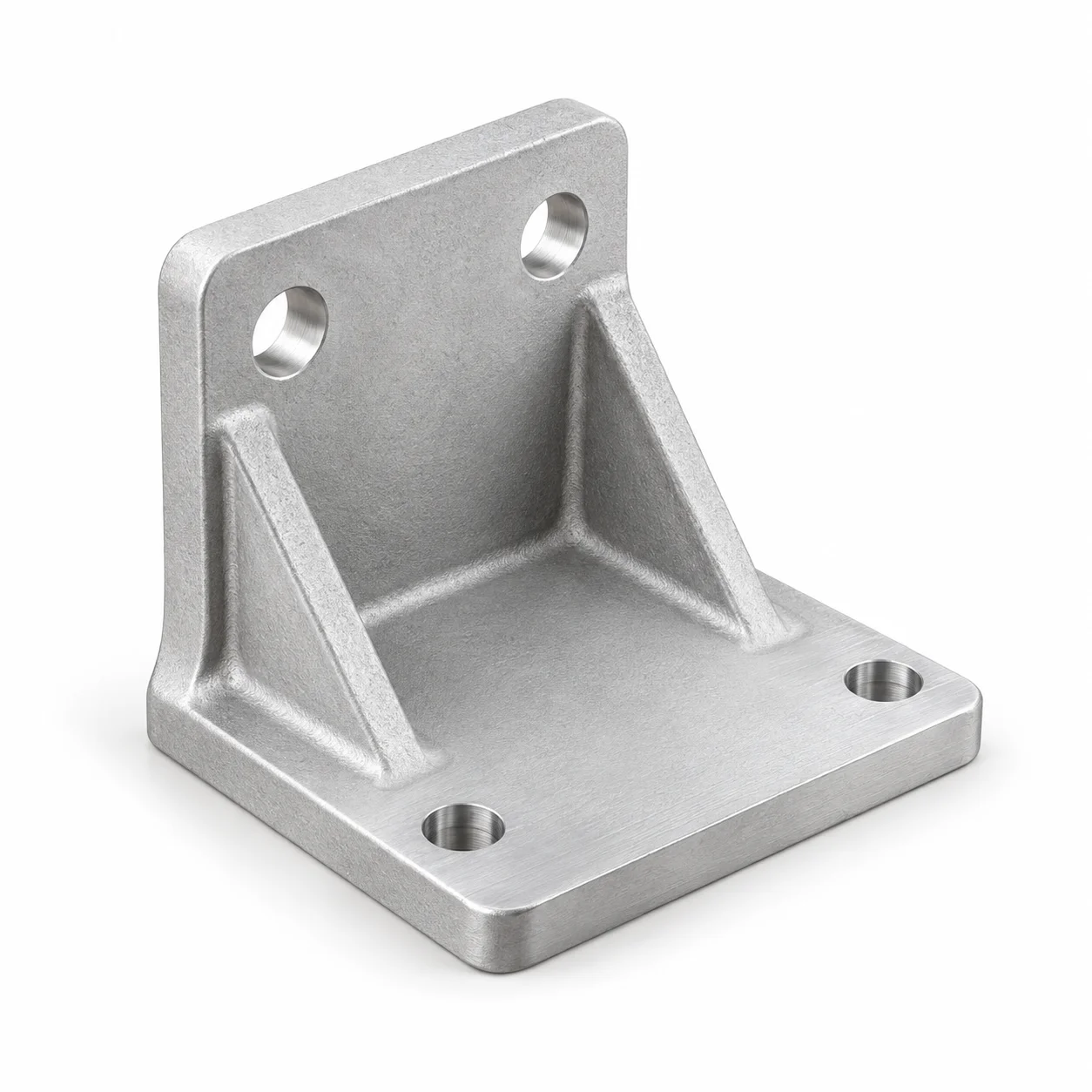
Explore this component ↗Aluminum mounting components built around equipment interfaces.
Explore this component ↗